A folder full of booklets is not much help if you cannot tell which dishwasher they belong to. The useful part of a home manual collection is the connection between the item in your room, its exact model, and the instructions you can actually open.
Start with three products you already use. Give each one a short record, save the correct documents, and choose one place to find them again. You can build the rest gradually without buying a filing system or signing up for another app.
Choose a small first batch
Pick three products that regularly send you looking for instructions: perhaps a dishwasher, a vacuum, and an air purifier. These are examples, not a recommendation to own them. Furniture with assembly or care instructions can go in the same system later.
Gather the loose papers you already have, but do not start by scanning every page. First match each booklet to a product that is still in the home. Set unidentified papers aside in one temporary folder rather than guessing and filing them as confirmed matches.
For landlord-provided equipment, note that it belongs to the property and record the management contact. Ask for the correct documents when necessary. Keeping a manual does not make you responsible for repairs or give you permission to alter the equipment.
Record the model before searching
Find the manufacturer’s guidance for locating the identification label on your type of product. Do not rely on the large marketing name on the front or the description on an old shopping order.
For example, Whirlpool’s model and serial number guide lists different label locations for different appliances. Its examples include the rim of a front-load washer opening and the area beneath a top-load washer’s lid. These are brand-specific examples, not a map for every appliance.
When the label is safely accessible, photograph it clearly and copy the full model exactly, including letters, suffixes, and punctuation. Keep the serial number or date code in your private record if shown. Check your typed version against the photograph; a zero and the letter O can be easy to confuse.
Do not peel off the label, remove panels, climb, or pull out a heavy appliance just to complete the folder. If identification is not safely accessible, ask the manufacturer or property manager for help. Mark the entry “model not yet confirmed” in the meantime.
Get the manual from the manufacturer
Go to the maker’s official support website and search with the complete model. Whirlpool’s U.S. manual library, for instance, uses model-number lookup and offers downloadable appliance literature. Other brands have their own support routes.
Before saving a result, check its model coverage, product type, and region. A document covering several models may be correct, but confirm that your model is included. The first PDF in a general web search is not automatically the right one. If a suffix is missing or the controls do not match, ask support to resolve the difference.
Save the complete official document rather than a few screenshots of a troubleshooting page. Keep the source link and the date you retrieved it in your index. If the document has a revision or publication identifier, record that too. For a web-only guide, save the official link and note that it needs an internet connection.
Keep use-and-care instructions distinct from installation documents and technical service literature. This folder is a way to find the right information, not a recommendation to perform repairs or work intended for qualified service personnel.
Use one index and simple product names
Choose an existing folder on your computer, a paper file, or a combination. Use names that household members will recognize, such as “Kitchen dishwasher” and “Hall vacuum.” Then include the brand and exact model in the record.
Copy this worksheet for each product:
| Field | What to record | Why it helps |
|---|---|---|
| Everyday name | Room and product, such as “Hall vacuum” | Makes the index easy to search |
| Identity | Brand, full model, private label photo | Connects the files to the actual item |
| Ownership/contact | Yours, landlord’s, or another owner’s; support contact | Shows whom to ask before work |
| Instructions | Document title, file location, official source link | Avoids a folder of unexplained PDFs |
| Match check | Model coverage, region, revision if available; date checked | Records what you verified |
| Other records | Purchase record, warranty document, service history if available | Keeps related paperwork findable |
| Open question | Missing label, uncertain suffix, or support request | Keeps uncertainty visible |
A digital product folder might hold a label photo, the official use-and-care PDF, and a short note with the source link. Use a filename pattern such as Hall-vacuum_YOUR-FULL-MODEL_Use-and-care.pdf, replacing the placeholder with the actual model. Do not put the serial number into a publicly shared filename.
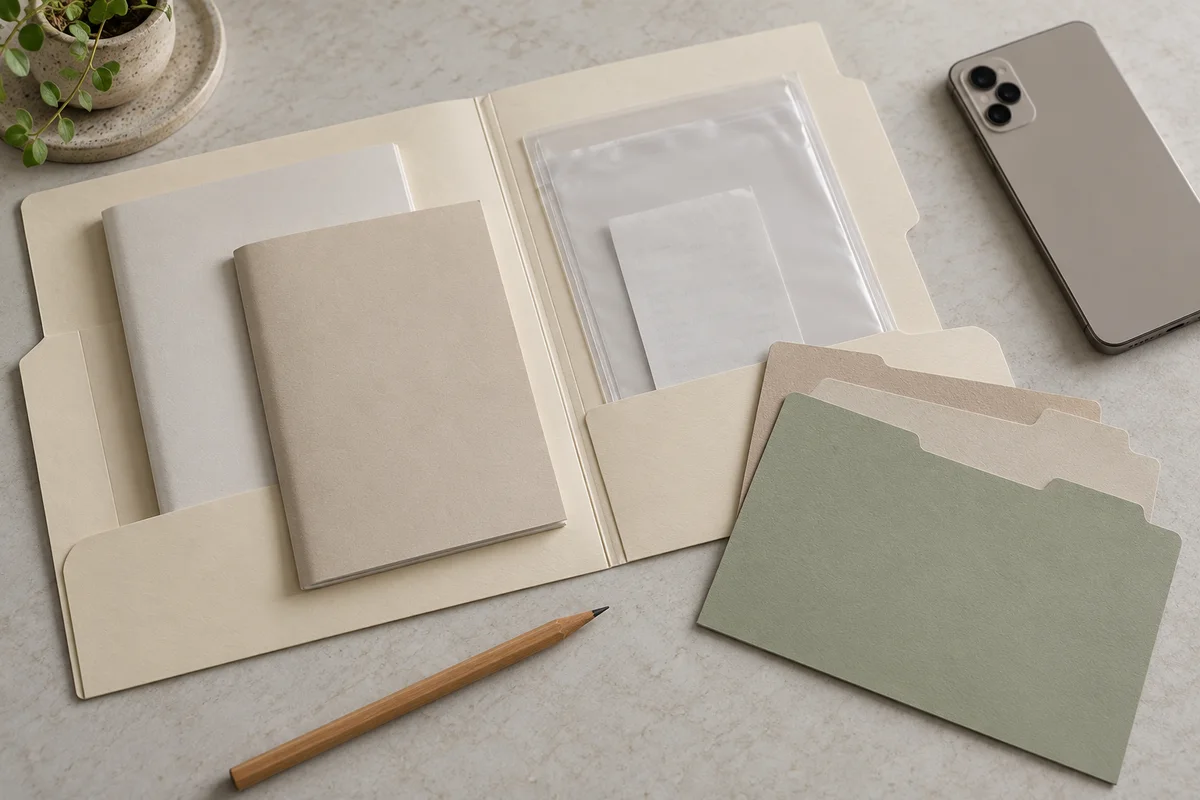
For a paper system, use one sleeve or folder per product with the everyday name on its tab. Put a short index at the front showing which documents are digital and where to find them. A combined system works best when the paper file points to the digital location, rather than maintaining two unrelated inventories.
Try the system with three products
Here is a hypothetical starting batch. The details illustrate the filing process, not actual products or a tested household setup.
| Product | What you find | Next action |
|---|---|---|
| Kitchen dishwasher | Clear model photo; official manual includes that model | Save the PDF and source link; add management contact if property-owned |
| Hall vacuum | Old booklet, but its listed models do not include the label’s suffix | Keep it marked unconfirmed and ask the manufacturer |
| Bedroom air purifier | Matching official web guide; no downloaded copy yet | Record the guide link and check what offline document the maker provides |
This batch is useful even with two unresolved entries. It prevents an uncertain booklet from becoming the household’s trusted instruction source merely because it was in the drawer.
Once the files are saved, close them and start from the index. Can another household member find the dishwasher’s exact model and open its instructions without asking where you put them? Check a saved digital file while offline if offline access is part of your plan. A bookmark alone will not provide that access.
Keep a backup in a place you already use and protect. Give appropriate household members access to the practical instructions while keeping receipts, addresses, and private identification records out of public links.
Add a separate safety-check record
An instruction booklet is only one source of information. In the United States, CPSC’s recall and product safety warning database lets you search consumer-product notices. Each relevant notice provides its own description, action, and contact information.
Search by brand and product, then compare the notice’s identifying details with the item you own. Check every identifier the notice specifies, which may include a model, serial range, or date code. Do not decide from a similar-looking photograph alone. If the match is uncertain, use the official contact in the notice to clarify it.
Record the date and link of the notice you checked, along with any confirmed instructions or remedy correspondence. Follow that notice’s directions, including a stop-use instruction when applicable. A past search with no match is not a permanent safety clearance, and the folder should never delay acting on a warning.
Keep the folder small and current
When a product arrives, add its identity and documents before the packaging disappears. When you replace an item, separate the old product’s files so its manual cannot be mistaken for the replacement’s. Retain purchase, service, and warranty records according to your actual needs; this guide does not set a legal retention period or decide warranty coverage.
Before discarding paper instructions, confirm that you have a complete, readable matching copy you can retrieve. Keep any originals you still need. Remove redundant advertising and duplicate printouts only after separating them from useful product documents. Never remove safety labels from the product to tidy the paperwork.
During seasonal planning, use the folder to find the manufacturer’s actual care requirements rather than inventing a universal schedule. Our small patio winter storage guide shows why different products can need different arrangements. For approved changes in a rental, keep permission and restoration details with the relevant product record using our rental update request guide.
If manuals currently fill a kitchen drawer, first finish one verified product folder. Then use our small kitchen drawer organization plan to give the freed space a specific job. A small collection you can use is more valuable than a large archive you cannot search.
Sources and further reading
- Whirlpool U.S.: Manuals & Literature
Official example of finding appliance literature by model number and downloading a backup manual.
- Whirlpool Product Help: Where Is My Model and Serial Number Located?
Identification-label locations vary by appliance type; the model-specific location guide is more useful than guessing.
- U.S. Consumer Product Safety Commission: Recalls & Product Safety Warnings
Searchable consumer-product recalls and safety warnings, with product descriptions, remedies, and official contacts.
The notes above identify which guidance each source supports. Layouts and planning examples are editorial suggestions, not tested product claims.